Article View — Turn PDFs Into Searchable, Mobile-Ready Articles
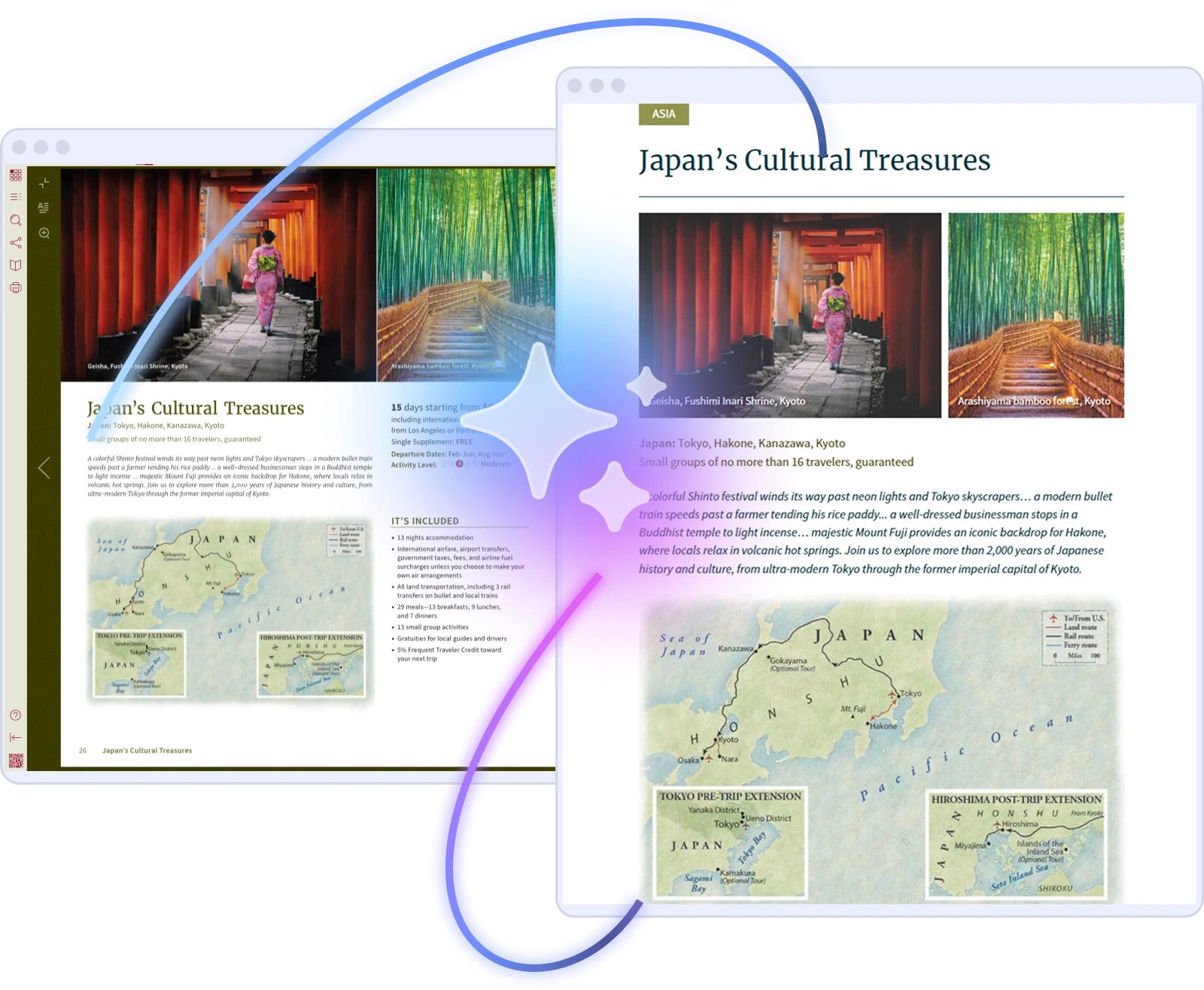
Joomag Article View uses AI to extract articles from your PDFs and convert them into fast-loading, mobile-optimized web pages with built-in SEO and ADA compliance.
Trusted by 5,000+ customers and millions of users


Why Convert PDFs Into Articles?
PDF publications are difficult to read on mobile, invisible to search engines, and inaccessible to screen readers. Joomag's Article View solves all three—using AI to convert your PDF content into fast, searchable, ADA-compliant web articles.
Superior Reader Experience
Convert PDFs into clean, mobile-friendly articles that readers actually enjoy. They choose their view—original PDF layout or scrollable article—leading to longer reading times and higher engagement.

Save Time and Cut Costs
No manual formatting or developer resources needed. AI extracts and converts articles instantly, so your team can focus on strategy—not reformatting content for the web.

Expand Your Reach
Each extracted article gets its own fast-loading, SEO-optimized URL with structured HTML. Your content becomes easier to find, rank, and share—across Google, social, and beyond.
Built-In ADA Compliance
Every article is automatically accessible—fully supporting screen readers, keyboard navigation, and adjustable text sizes. No extra effort required to meet accessibility standards.
How Article View Works
Upload a PDF, Get Publishable Articles in Seconds
Simply upload your PDF—Article View’s AI takes care of the rest.
It detects and extracts each article automatically, converting your static PDF content into responsive, mobile-optimized HTML pages in seconds.
Deliver a seamless reading experience across devices, improve accessibility, and save hours of manual reformatting.
Reach Every Reader on Every Device

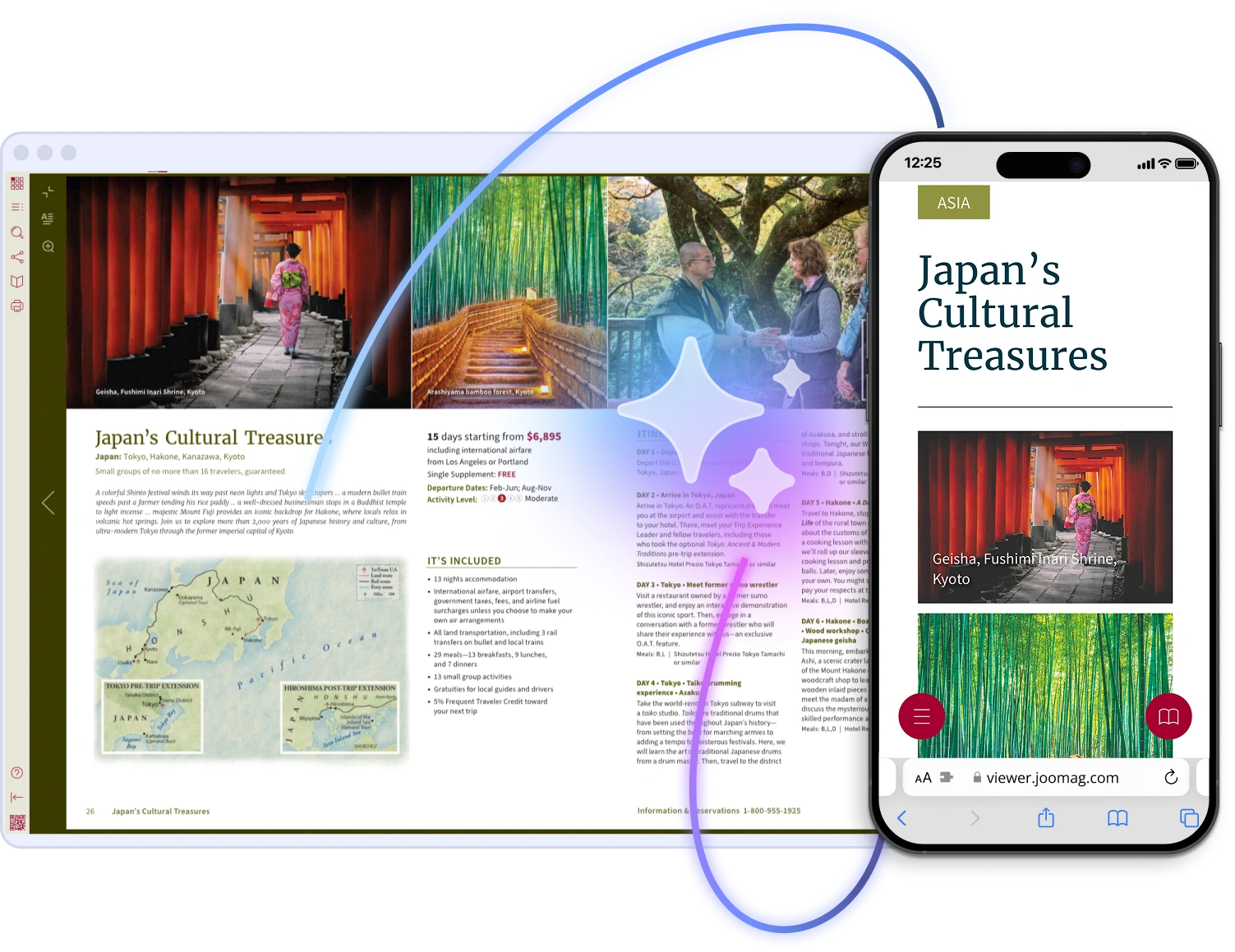
Extracted articles automatically adjust to any screen size—delivering a clean, scrollable experience without the frustration of zooming or pinching.
This mobile-first format dramatically lowers bounce rates on mobile devices, increases average reading time, and encourages return visits—turning casual readers into loyal audiences.
Rank Higher With Search-Ready HTML
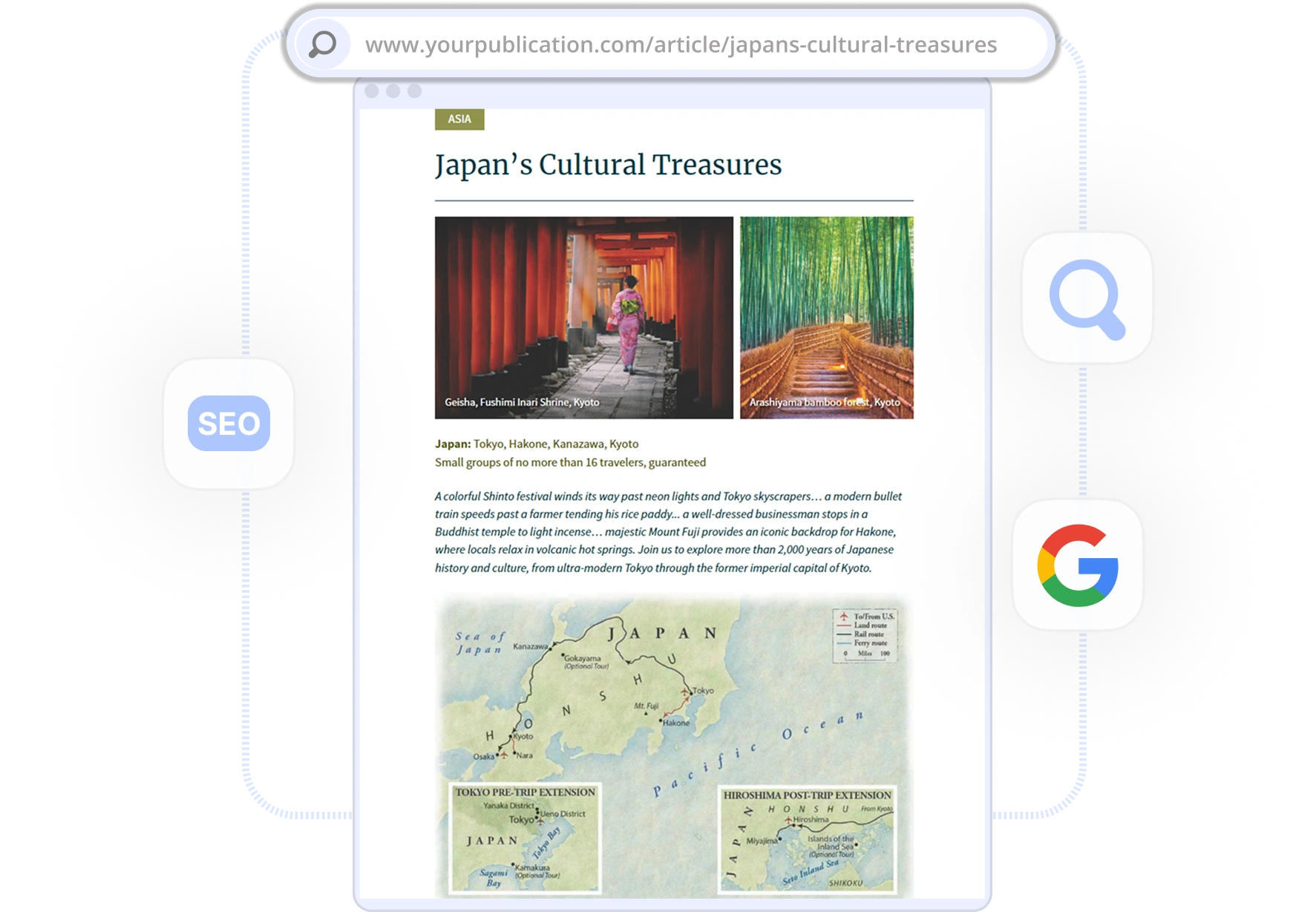
PDFs are nearly invisible to search engines. Article View converts them into structured HTML pages that Google can crawl, index, and rank—driving organic traffic to your content without additional SEO effort.
One Publication, Two Reading Experiences

Let your audience choose their preferred reading experience. Switch seamlessly between the visually-rich PDF or the distraction-free Article View, catering perfectly to every reader's taste.
Do More With Your Content
Article View is part of Joomag's content repurposing suite. Extract articles from existing PDFs, create original articles from scratch, or turn your publications into short-form videos.
Article Studio
Create original, web-native articles from scratch with a visual editor, templates, and media embedding.
Learn More →AI Short-Form Videos
Turn your publications into engaging short-form videos optimized for social media and mobile consumption.
Learn More →Mobile Reading Experience
Deliver a seamless reading experience across every device with responsive layouts and adaptive design.
Learn More →Frequently Asked Questions
What is Article View?
Article View is a Joomag feature that uses AI to extract individual articles from your PDF publications and convert them into standalone, mobile-optimized web pages. Each article gets its own URL, structured HTML, and built-in SEO—making your content searchable, shareable, and accessible.
How does Article View convert PDFs to articles?
When you upload a PDF, Joomag's AI automatically detects article boundaries—headlines, body text, and images—and extracts each article into a clean, responsive HTML page. The entire process takes seconds with no manual formatting or developer involvement.
Can Article View improve my content's SEO?
Yes. PDF content is largely invisible to search engines because crawlers struggle to index it. Article View converts each article into structured HTML with proper heading tags, meta data, and a unique URL—making it fully crawlable and rankable by Google and other search engines.
Is Article View ADA compliant?
Yes. Every extracted article automatically meets ADA accessibility standards, including screen reader support, keyboard navigation, and adjustable text sizes. No extra configuration or development work is required.
What is the difference between Article View and Article Studio?
Article View uses AI to extract articles from existing PDFs. Article Studio is a separate tool for creating original articles from scratch—with a visual editor, templates, and media embedding. Many teams use both: Article View for repurposing existing publications and Article Studio for creating new web-native content.
Do readers have to choose between the PDF and the article format?
No—readers get both. Within the Joomag viewer, audiences can switch freely between the original PDF layout and the mobile-optimized Article View. This dual-format approach lets visual-first readers enjoy the designed layout while mobile and accessibility-focused readers get a streamlined experience.